Aspect ratio1920×1080this is how it downloads
Preview doesn't change the file
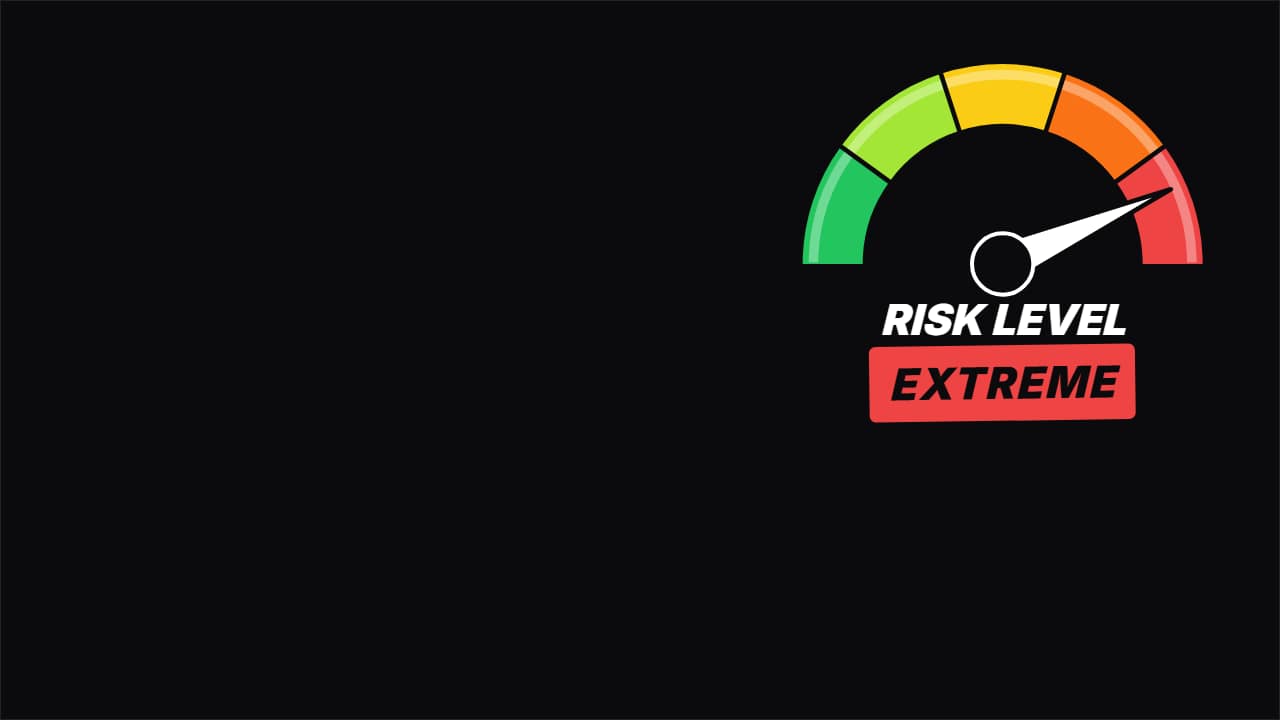
You'll download 1920×1080, 3.5 s, with no background (.mov).
BetaFree during the beta: create an account and export at no cost. No credit card.How it works →Free during the beta · no card →
You'll download 1920×1080, 3.5 s, with no background (.mov).
The color meter from challenge videos: the needle springs up, overshoots, comes back, shakes at the top and the word of the zone it lands on SLAMS in underneath («EXTREME»). Zones, colors, title and value are editable; use it for risk, cringe, spice, difficulty or whatever your video measures. Four styles: color zones, sporty, HUD and flat.
Plus the typeface and an optional letter outline, in every template.
Export it without background and put it on a track above your clip: the animation plays over your video.
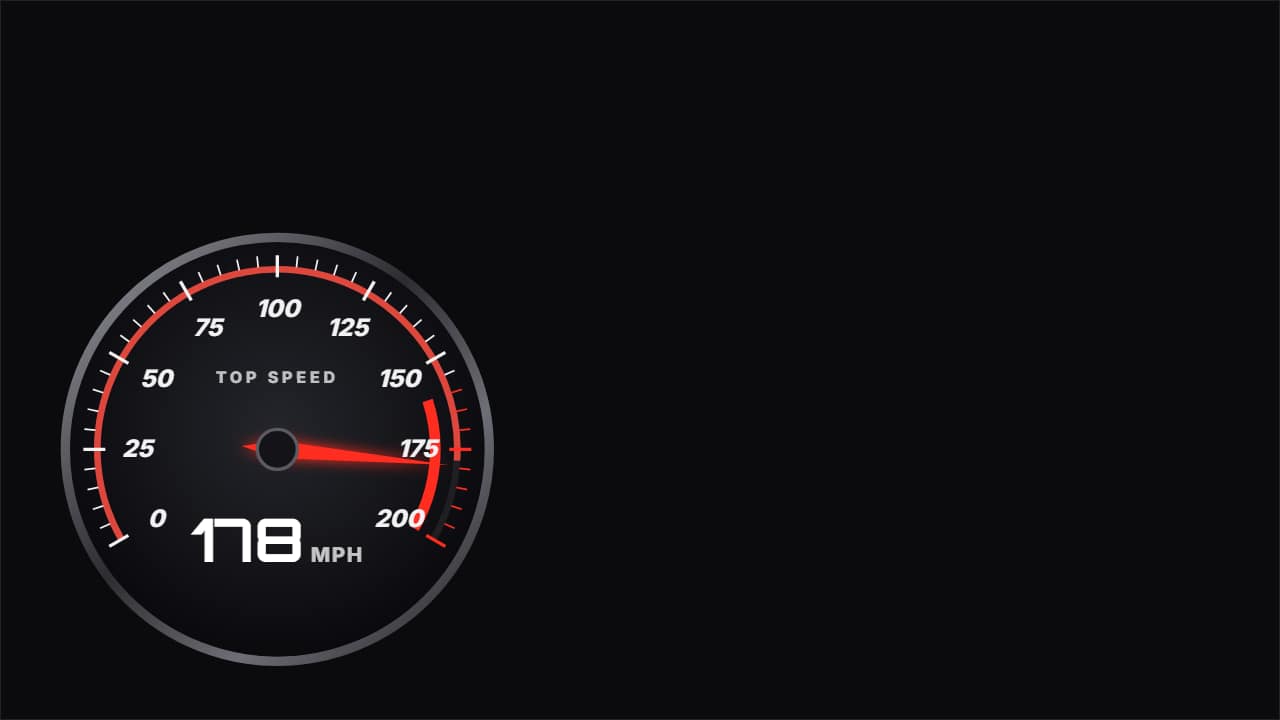 Speedometer with digital readoutThe dashboard dial from car and engineering channels: scale with ticks and numbers, red zone at the end, the…
 Milestone · the counter lands roundThe counter rolls on an odometer from an ugly figure up to the round one, and when it hits it the confetti…
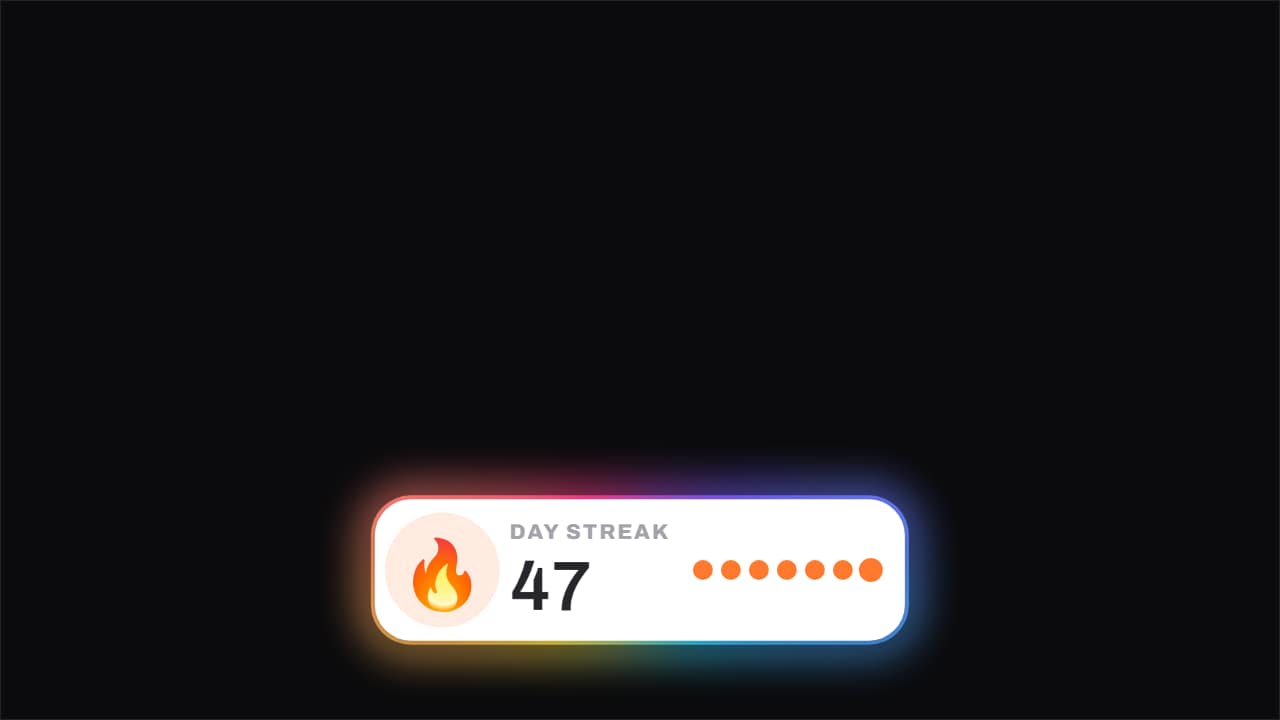 Streak · the day that ticks overThe flame breathes the whole time and the number ticks over on its frame, with the week's dots filling and a…
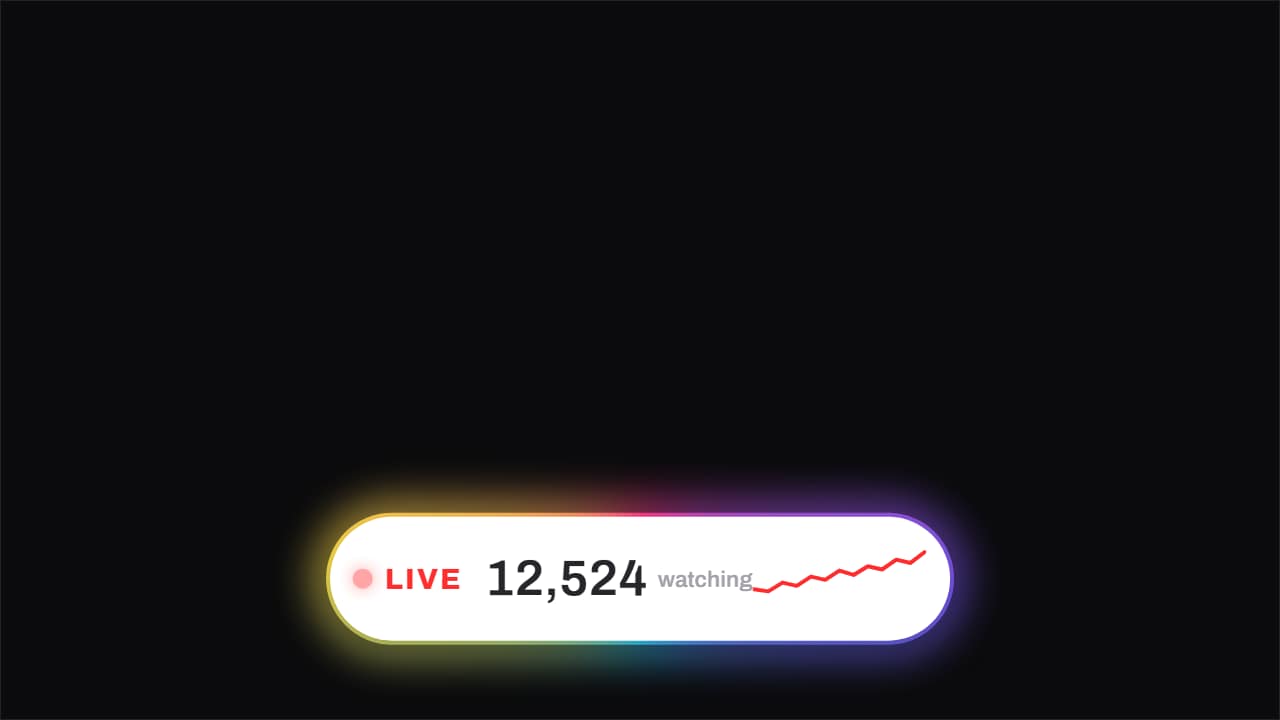 Live · the people counterThe blinking red dot, the word LIVE, and the viewer count rolling up on an odometer, with a small line…
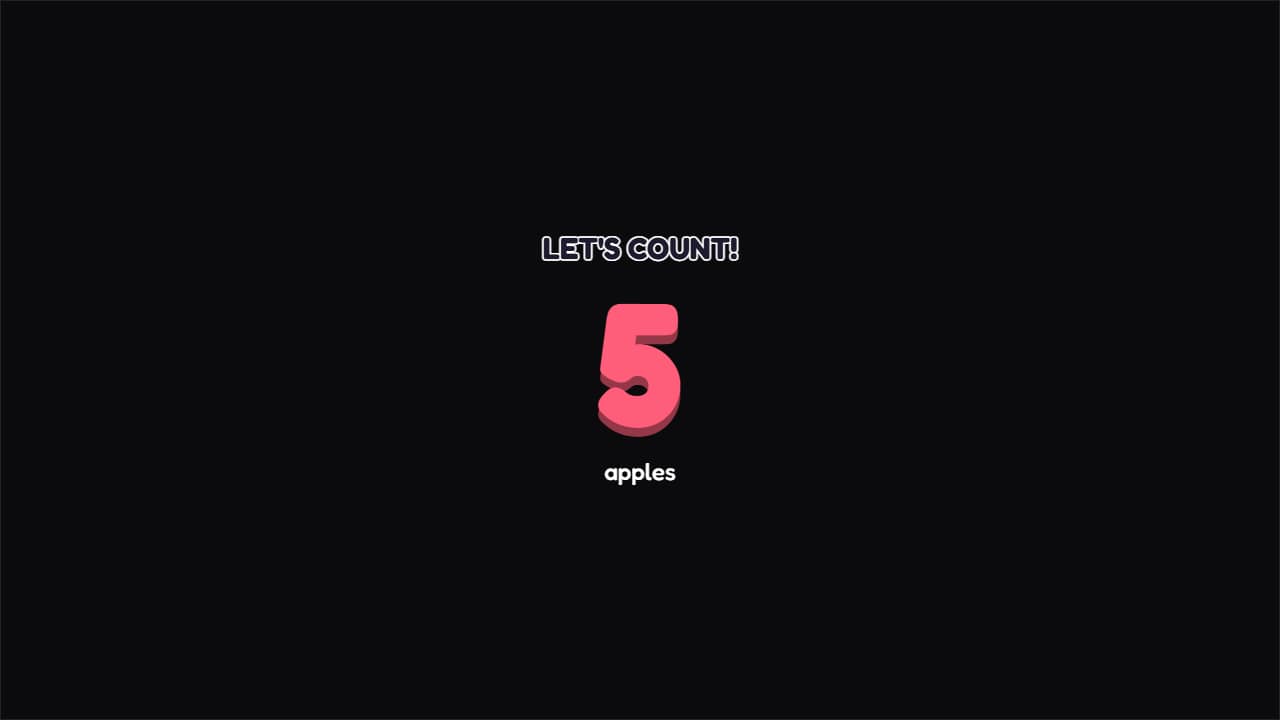 Counting 1 to 10A giant number counting up one at a time with a hop on each jump, and a solid toy-like shadow underneath.
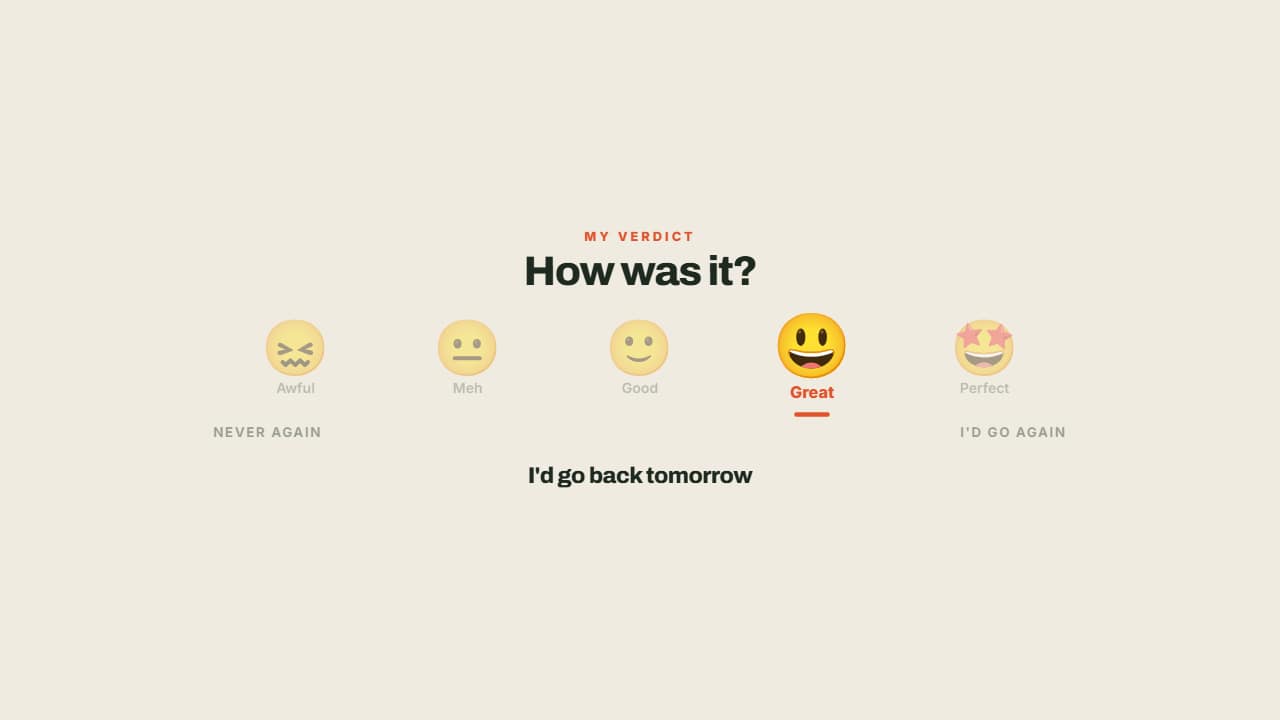 Face scaleFrom 😖 to 🤩, with the needle settling under the right one and the rest dimming.
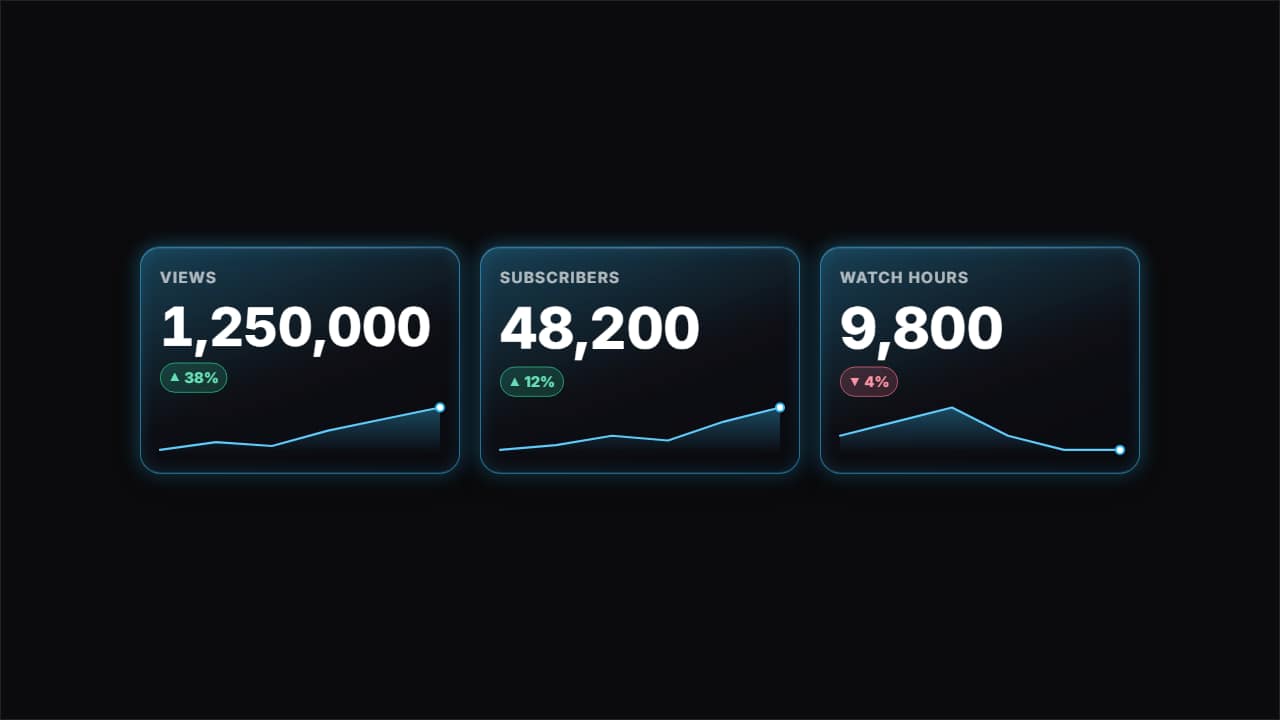 Glass stat cardsUp to three glass cards with one figure each: the label, the number rolling up to its value, the rise or…
 Big number with flying objectsA huge number counting up to its value (with prefix, suffix and the right thousands separator) while objects…