Aspect ratio1920×1080this is how it downloads
Preview doesn't change the file
You'll download 1920×1080, 3.5 s, with no background (.mov).
BetaFree during the beta: create an account and export at no cost. No credit card.How it works →Free during the beta · no card →
You'll download 1920×1080, 3.5 s, with no background (.mov).
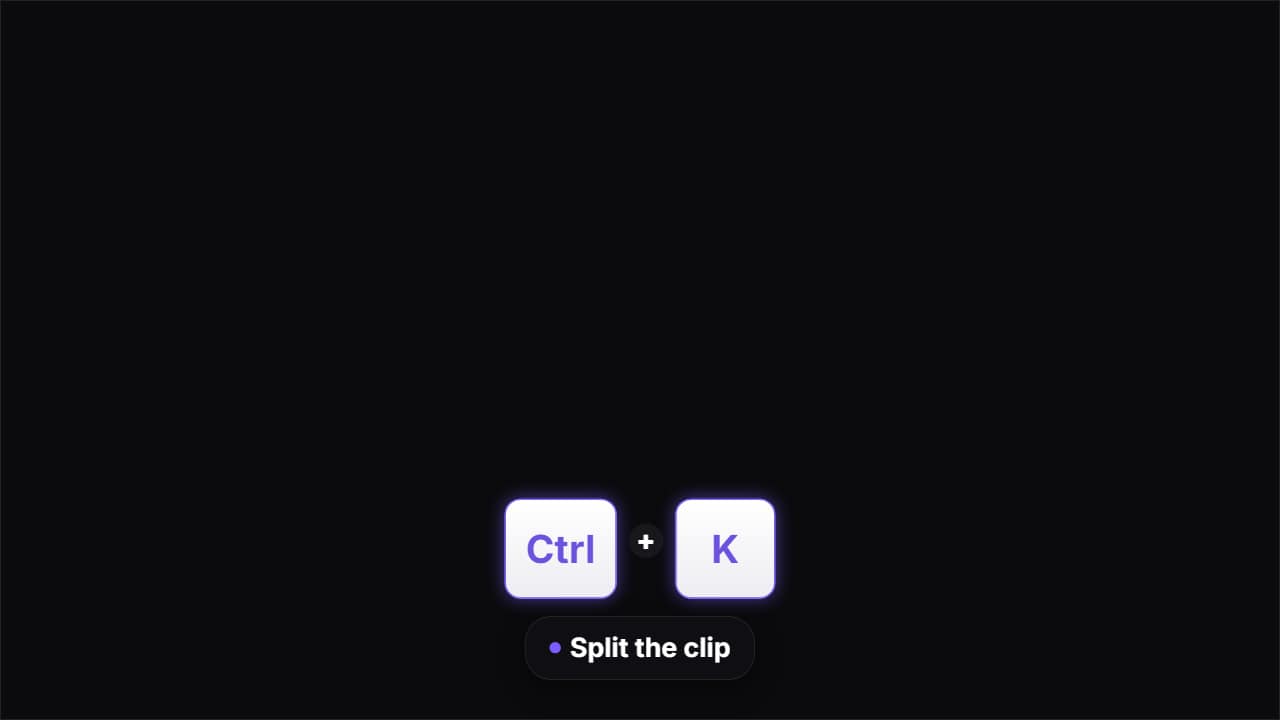
The shortcut keys on screen, like in software tutorials: they drop in one by one, PRESS DOWN in order as if someone were hitting them, and what the shortcut does appears below. Write several (one per line, «keys | what it does») and they play one after another, sharing the time. Three key styles: light, dark and glass.
Plus the typeface and an optional letter outline, in every template.
Export it without background and put it on a track above your clip: the animation plays over your video.
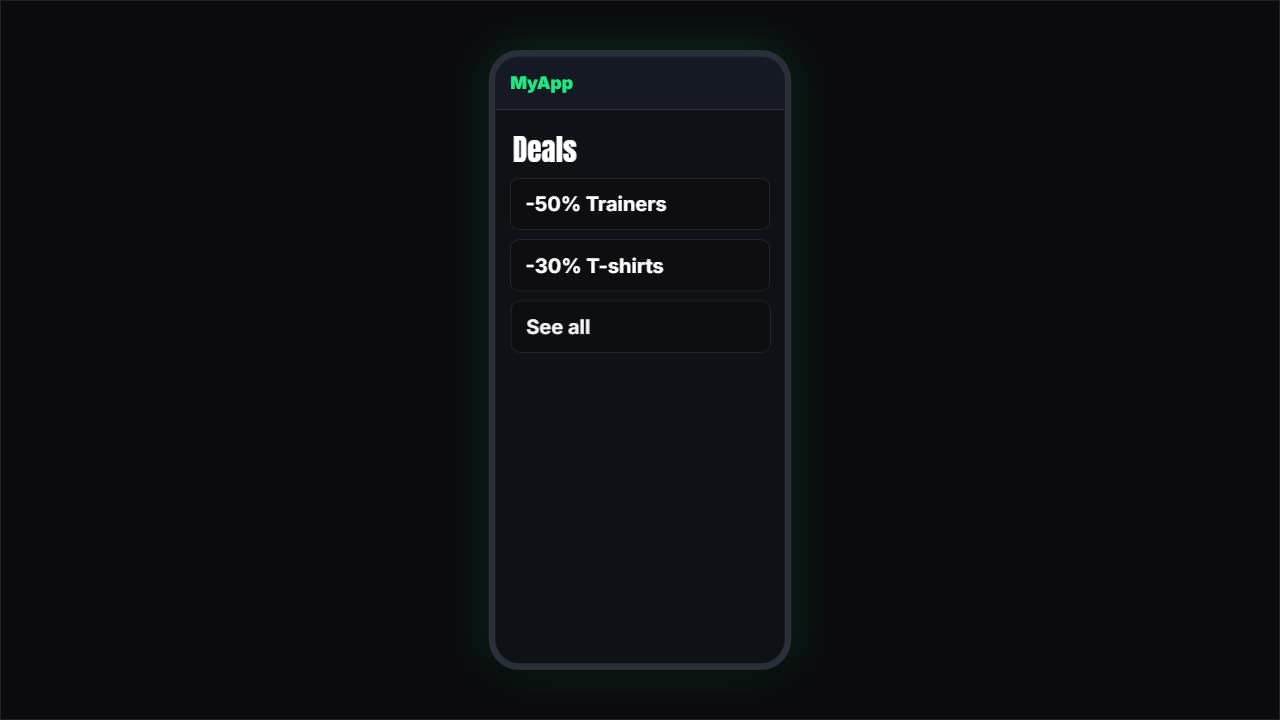 App or web demoA simulated phone (or browser) where a finger taps and the screens change.
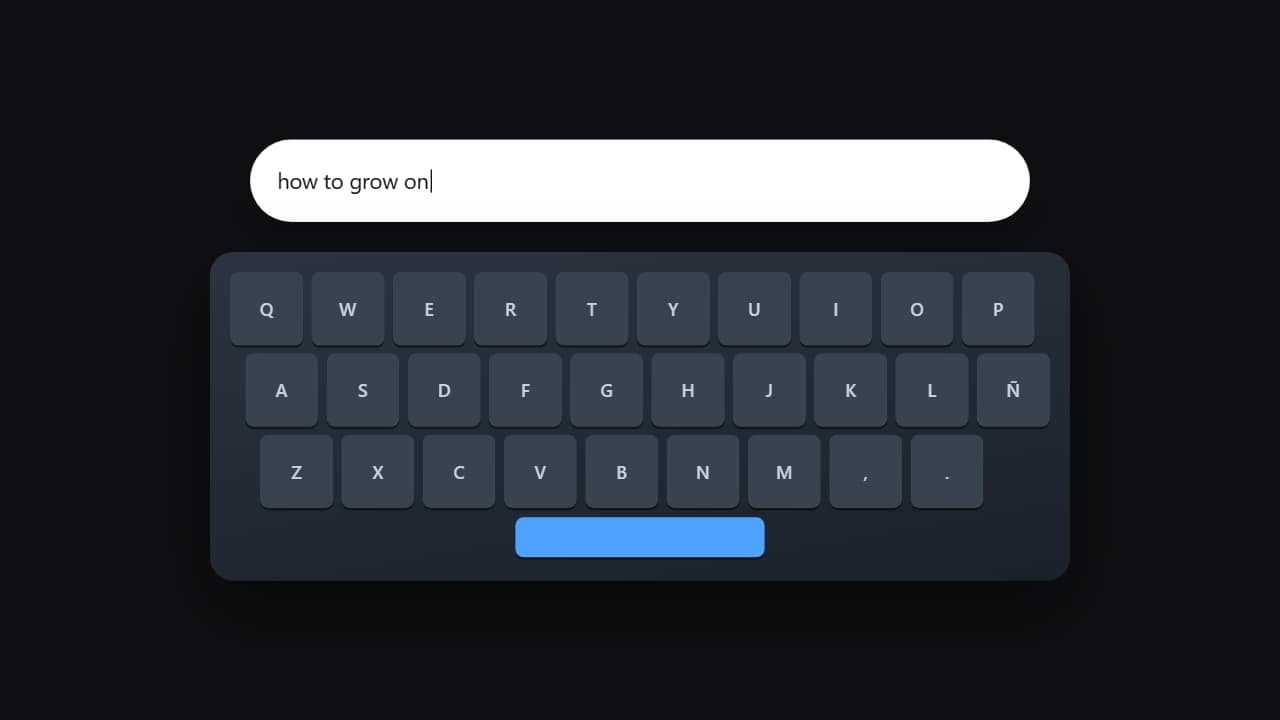 Typing on the keyboardThe keyboard from above with the keys lighting up one by one while the text appears in the field.
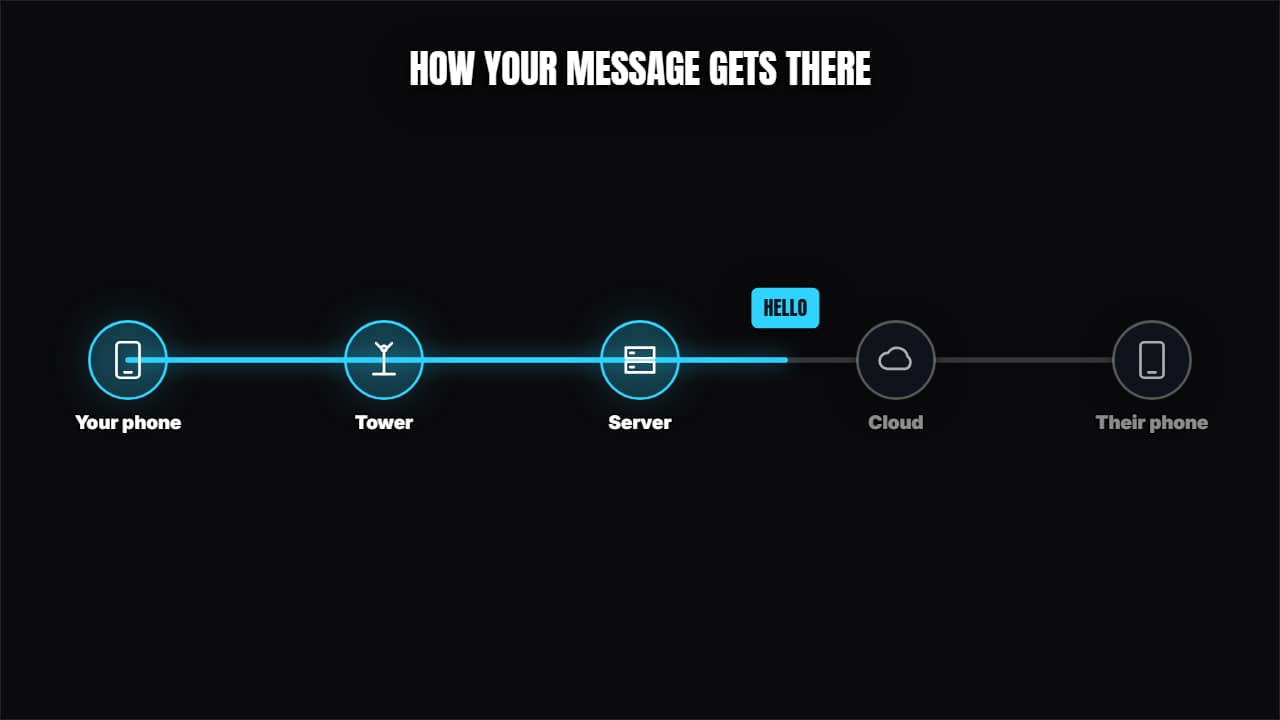 How a message travelsNodes with icons joined by cables and a packet traveling through, lighting them up.
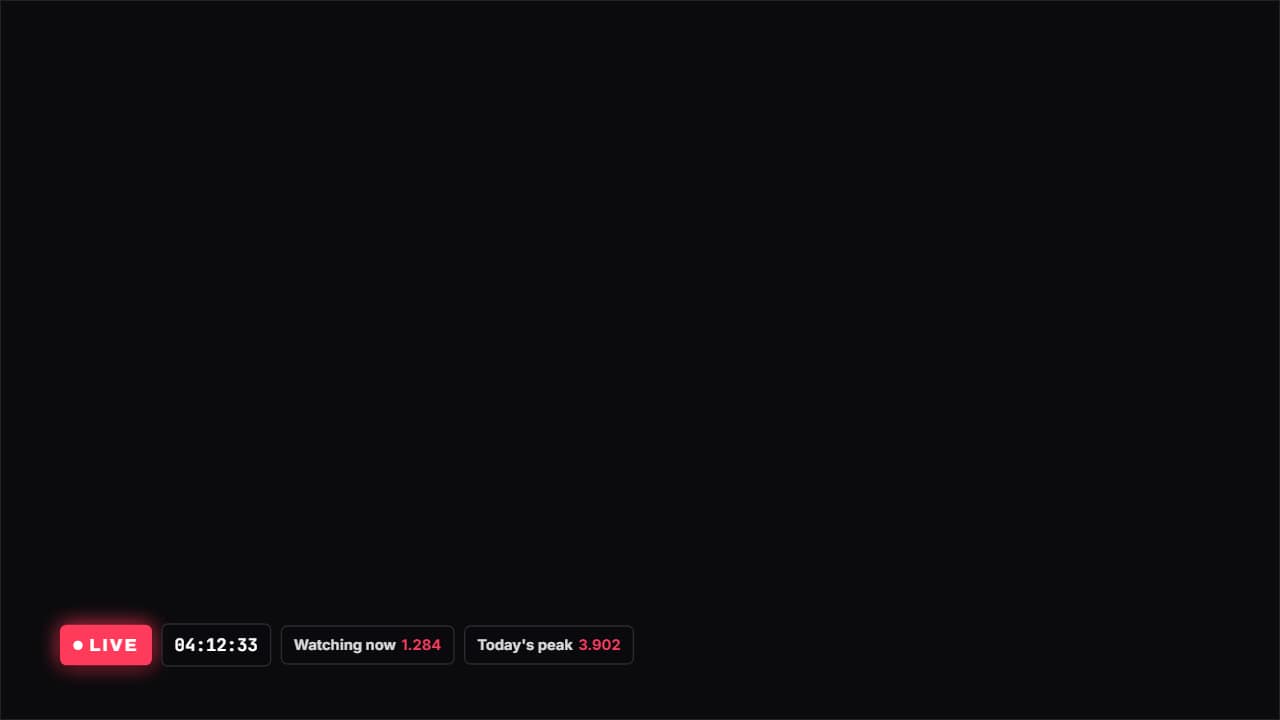 Live with a stopwatchA LIVE badge with the red dot pulsing, a stopwatch and whatever figures you want beside it (viewers…
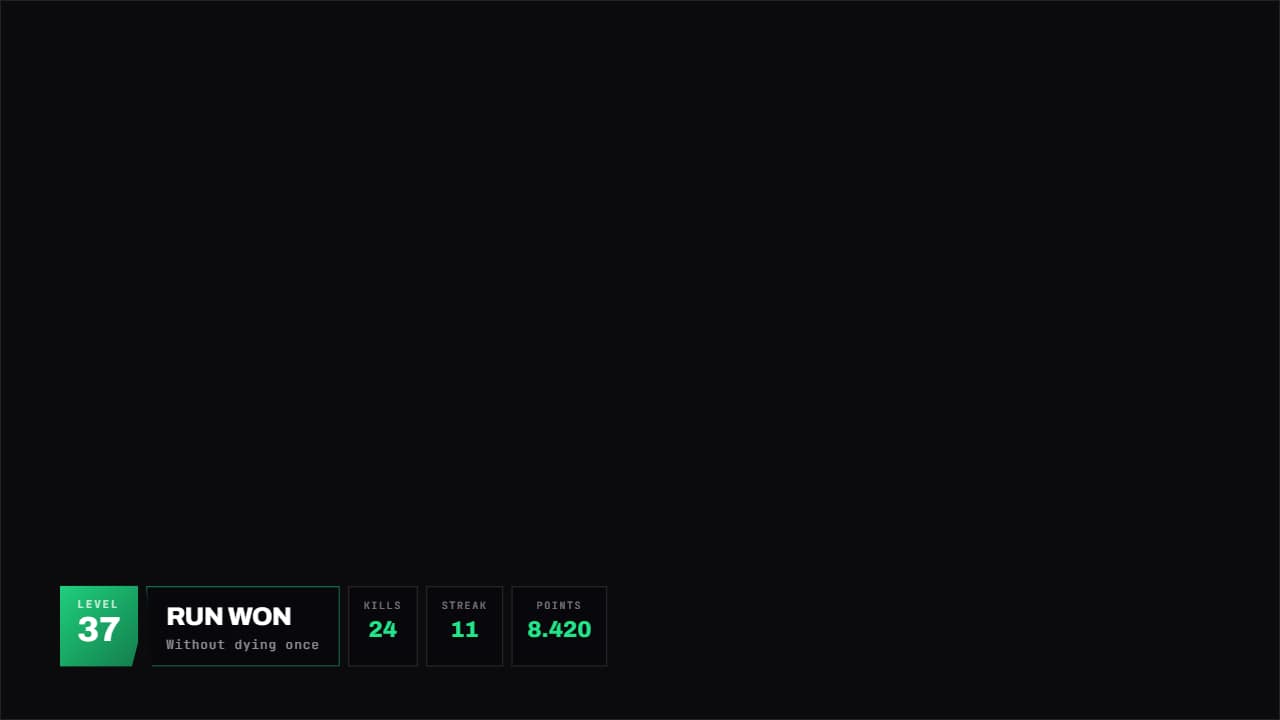 Gaming panelA HUD panel with corners cut on the diagonal: level large on one side, title in the middle and whatever…
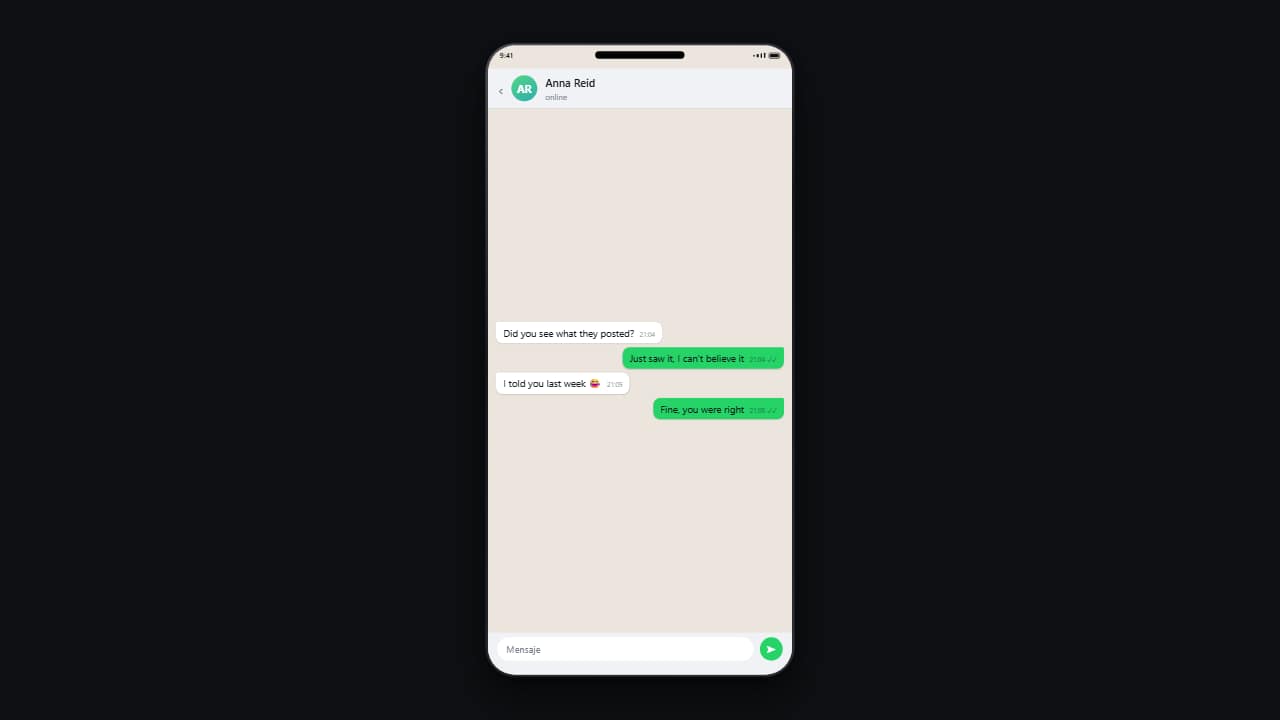 Phone conversationMessages drop in one by one on a phone, with their timestamps and read ticks.
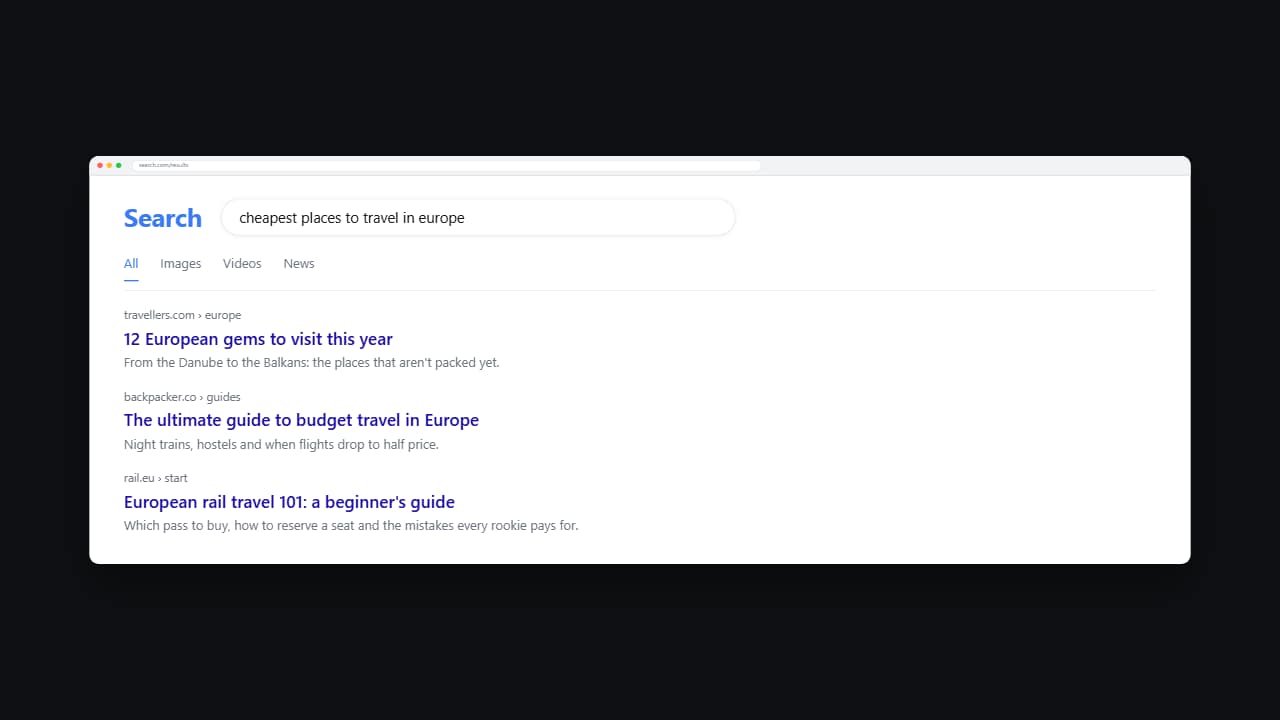 Web searchThe query types itself into the box letter by letter and then the results come in from the top.
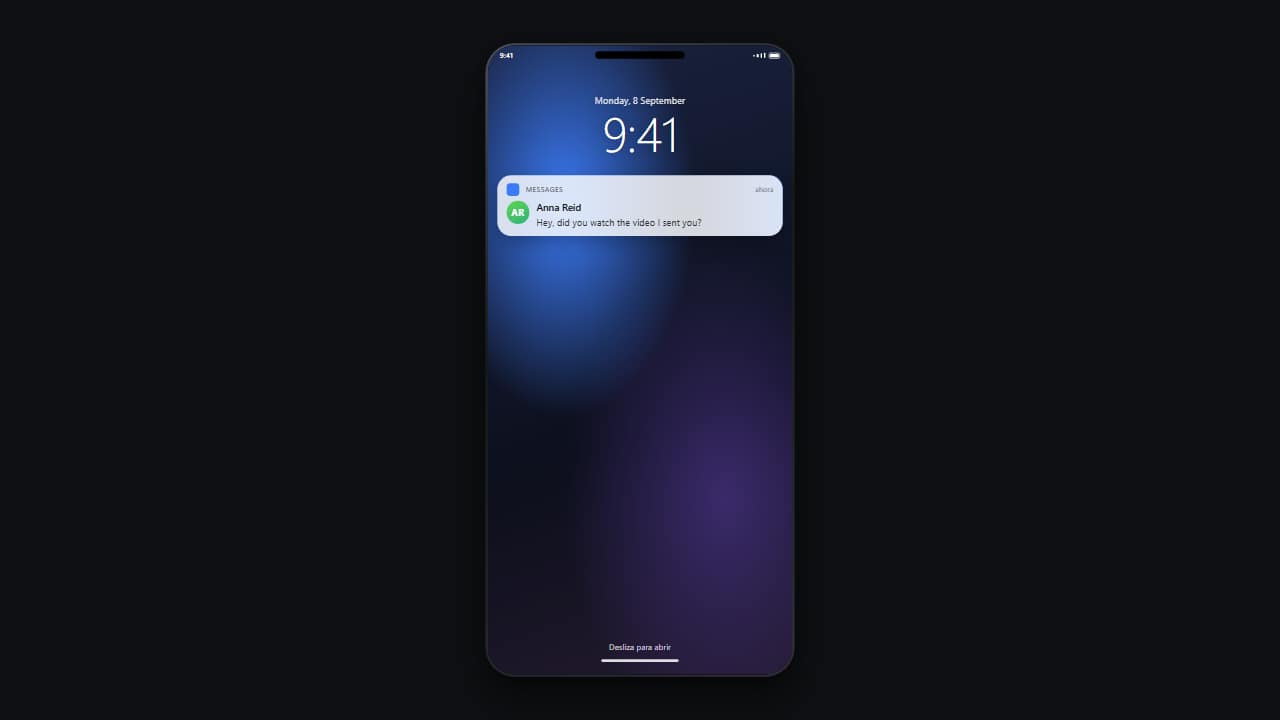 Lock-screen notificationThe locked phone with its big clock, and the notification dropping in from the top with a small bounce.