Format (important)1920×1080this is how it downloads
Preview doesn't change the file
You'll download 1920×1080, 3.5 s, with no background (.mov).
You'll download 1920×1080, 3.5 s, with no background (.mov).
The items in proportional bars and, underneath, the total with cost per day and per person worked out for you. "How much did it cost you" is the number one question in the comments of any travel video.
Plus the typeface and an optional letter outline, in every template.
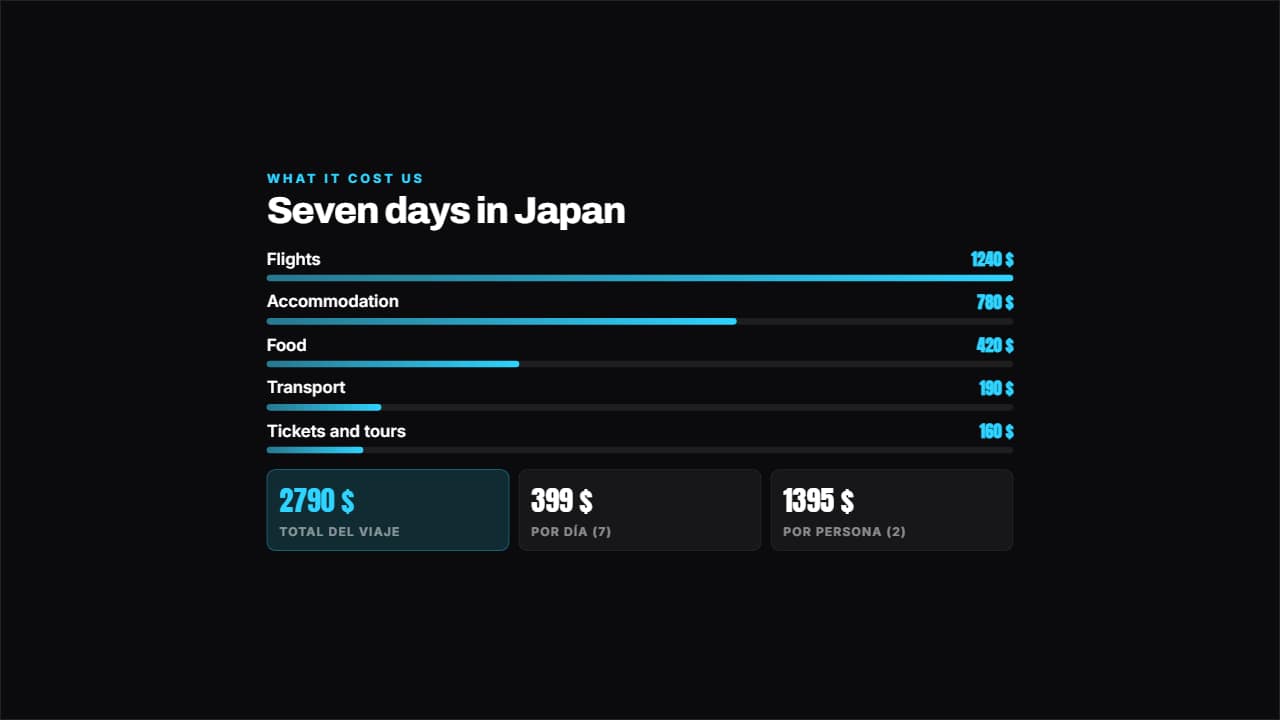
Export it without background and put it on a track above your clip: the animation plays over your video.
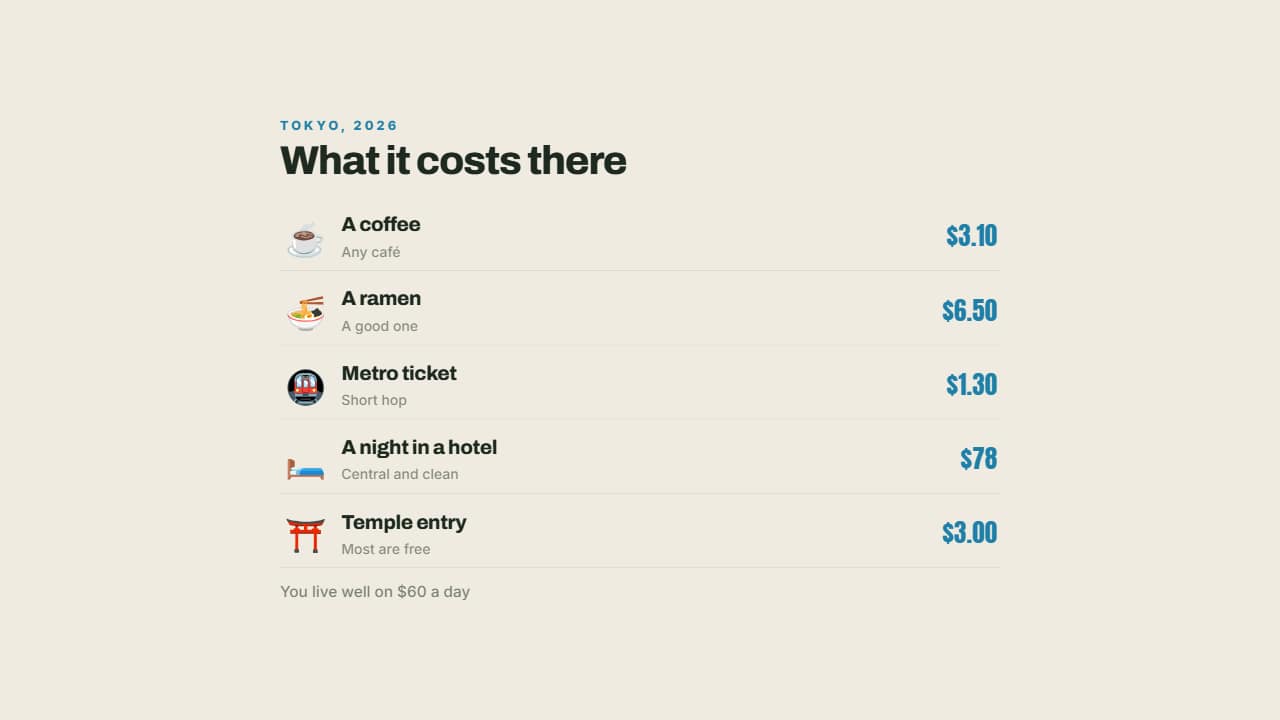 What it costs thereA coffee, the metro, a dinner, a night in a hotel: each with its emoji and its price aligned right.
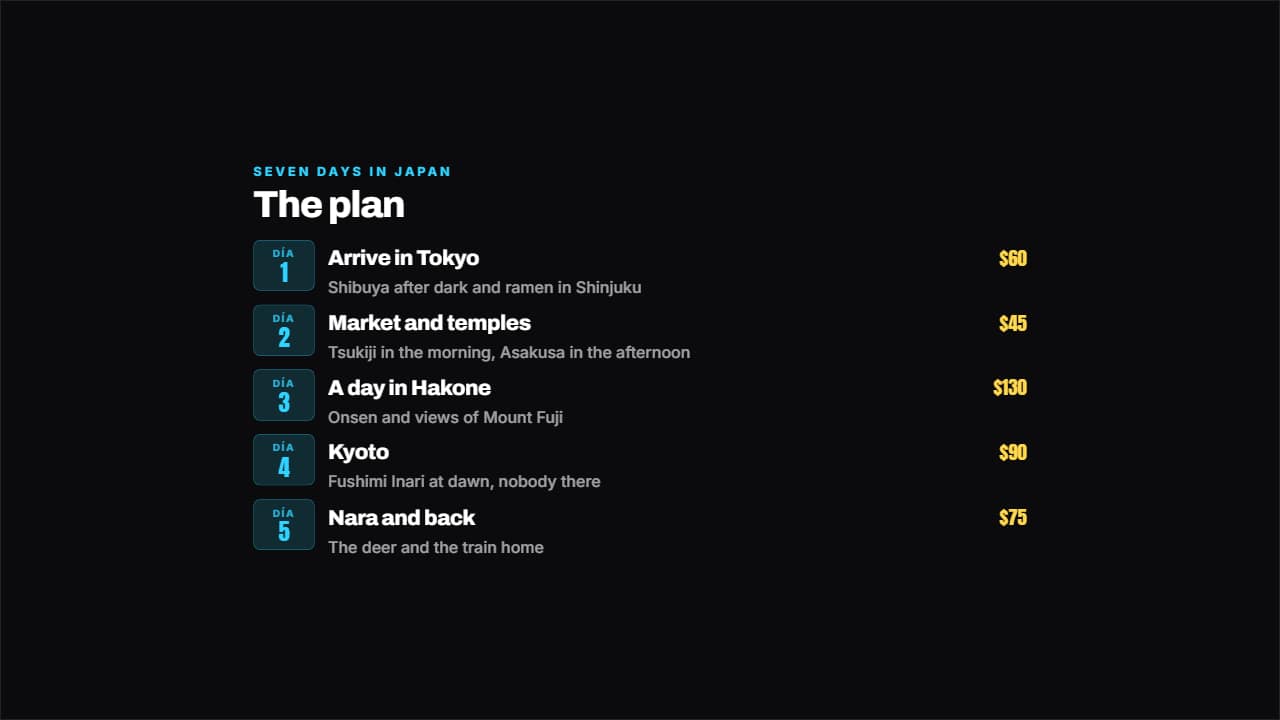 Day by day itineraryEach day on its badge, with the plan beside it and the spend on the right if you want it.
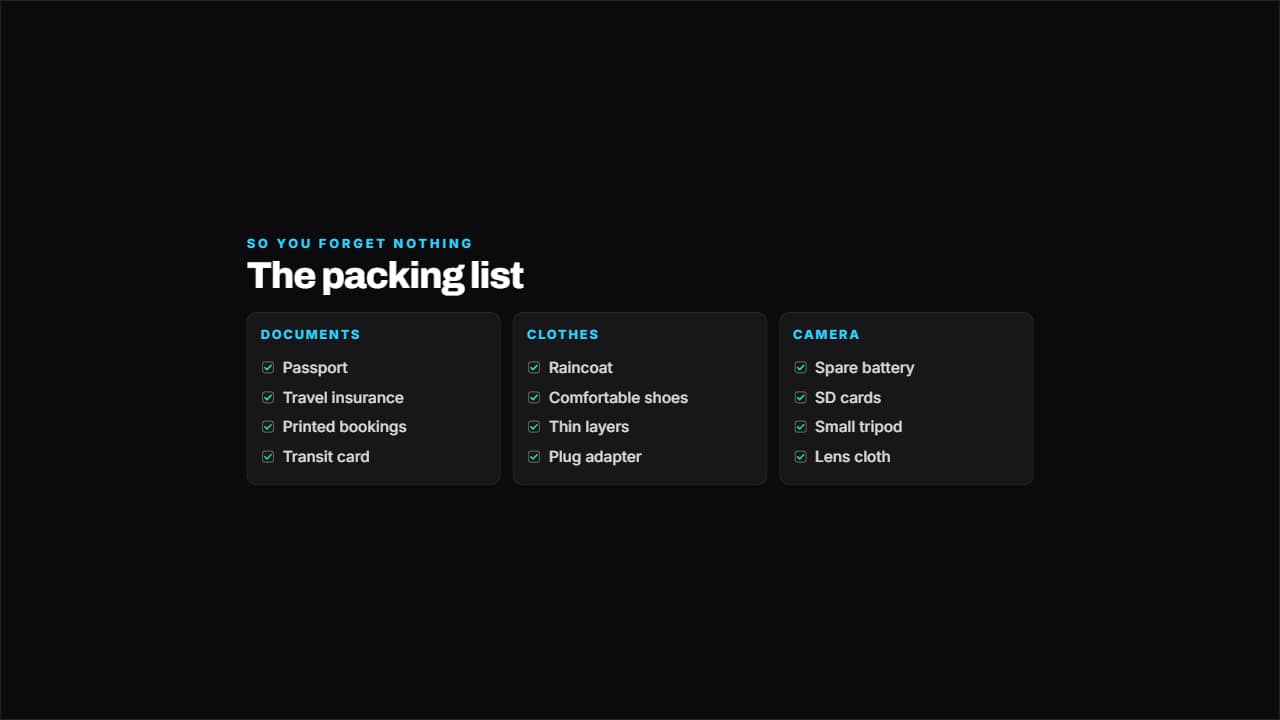 What to packThe packing list by category across several columns, with the boxes ticking one by one.
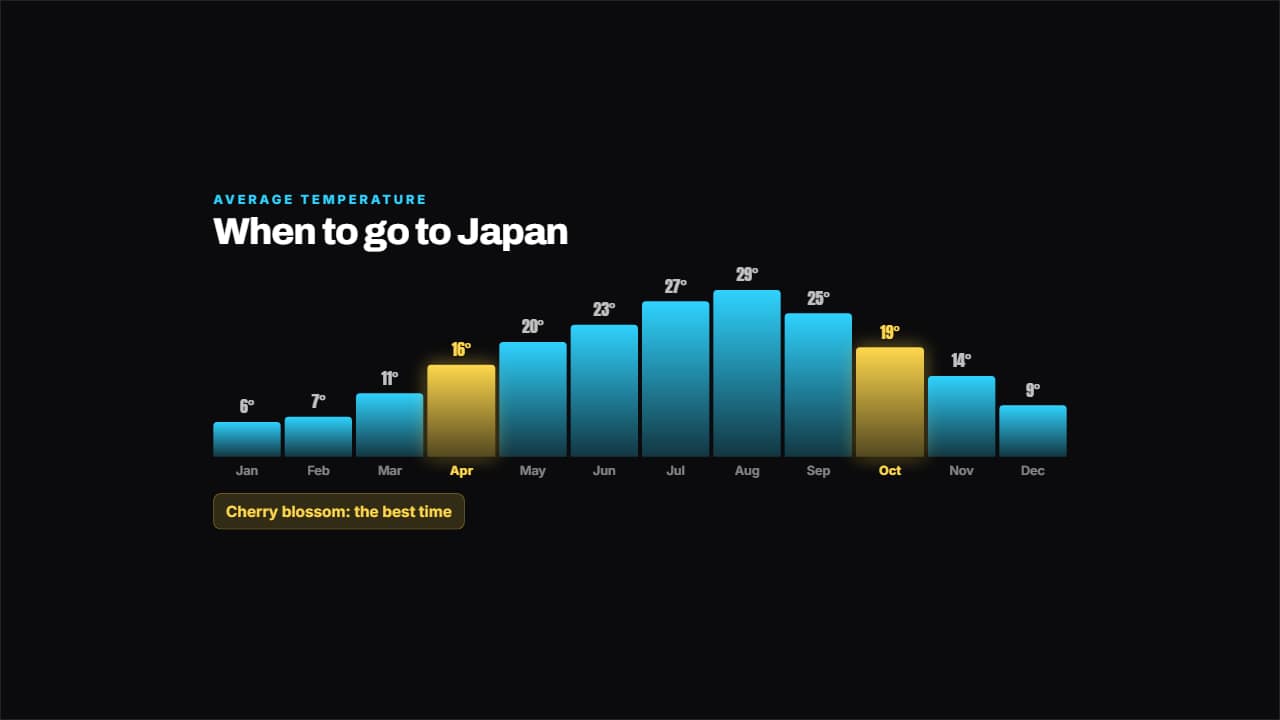 When to goTemperature month by month in bars, with the good months lit and their note.
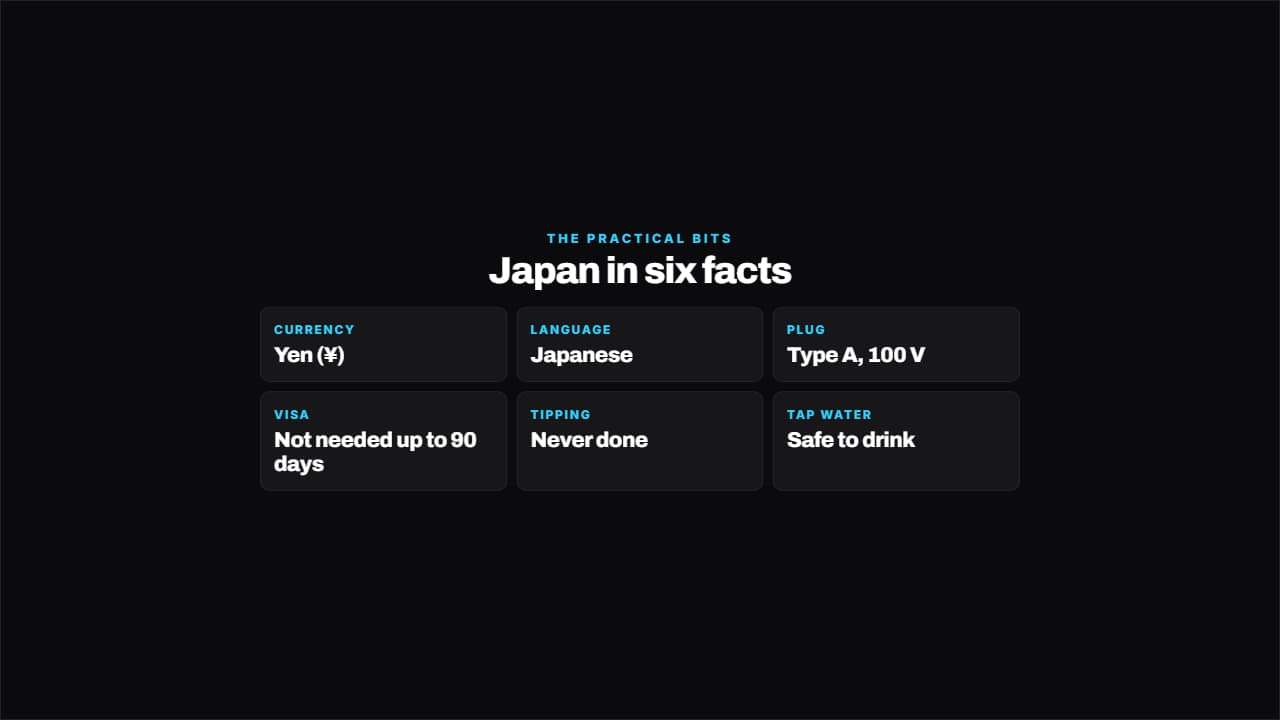 Destination cardCurrency, language, plug, visa, tipping, tap water: the practical details people look up before going, on…
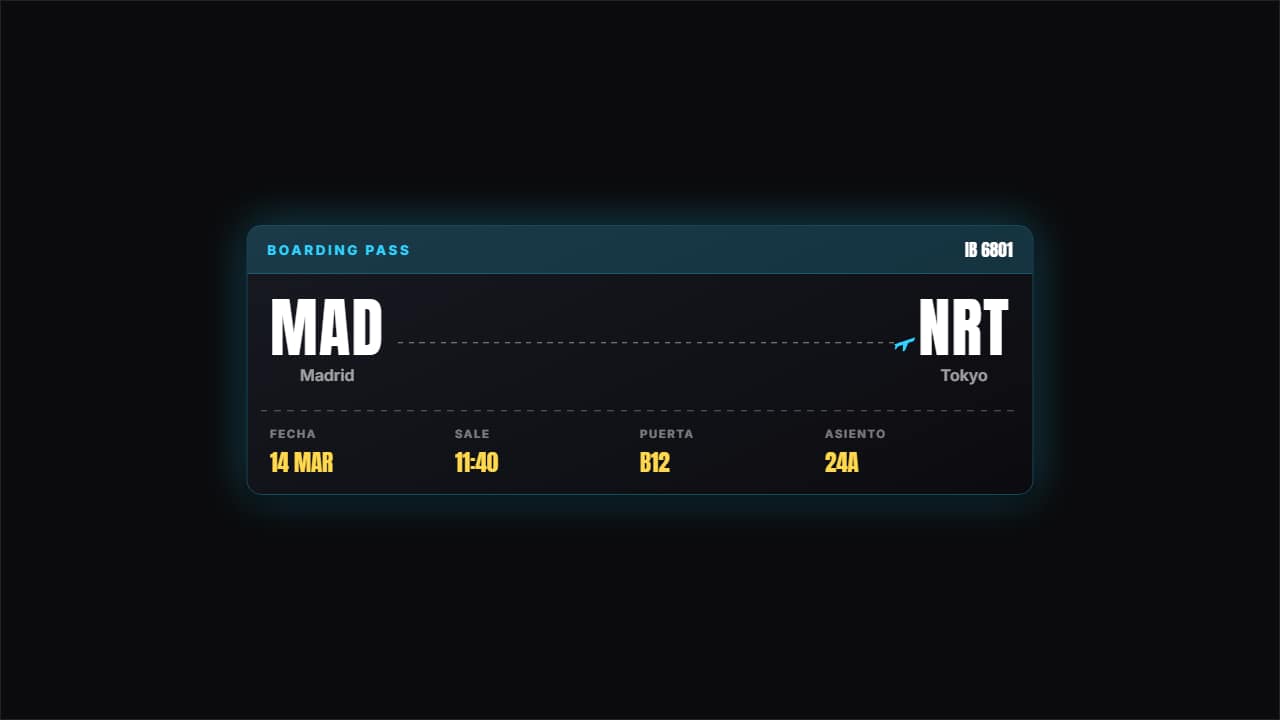 Boarding passThe two airport codes large with the plane traveling the dotted line, the ticket perforation and the flight…
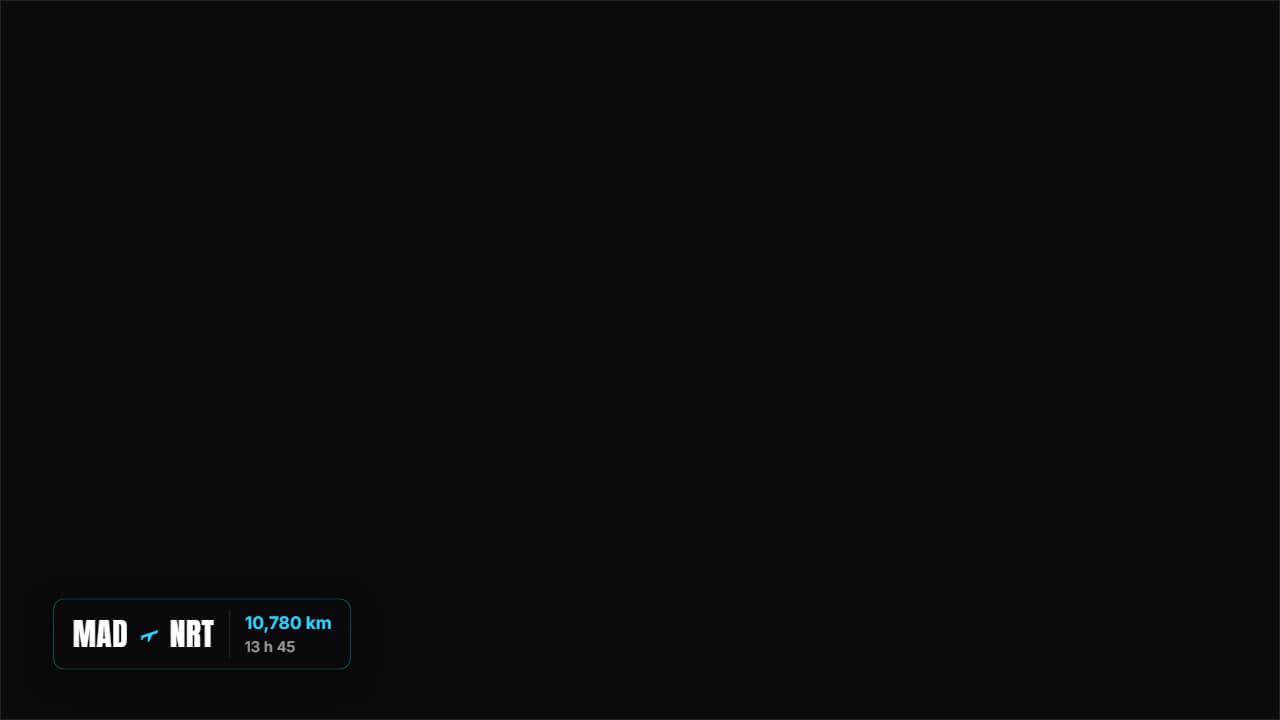 Journey badgeOrigin, destination, distance and duration on a badge you drop over the shot of the plane or the train.
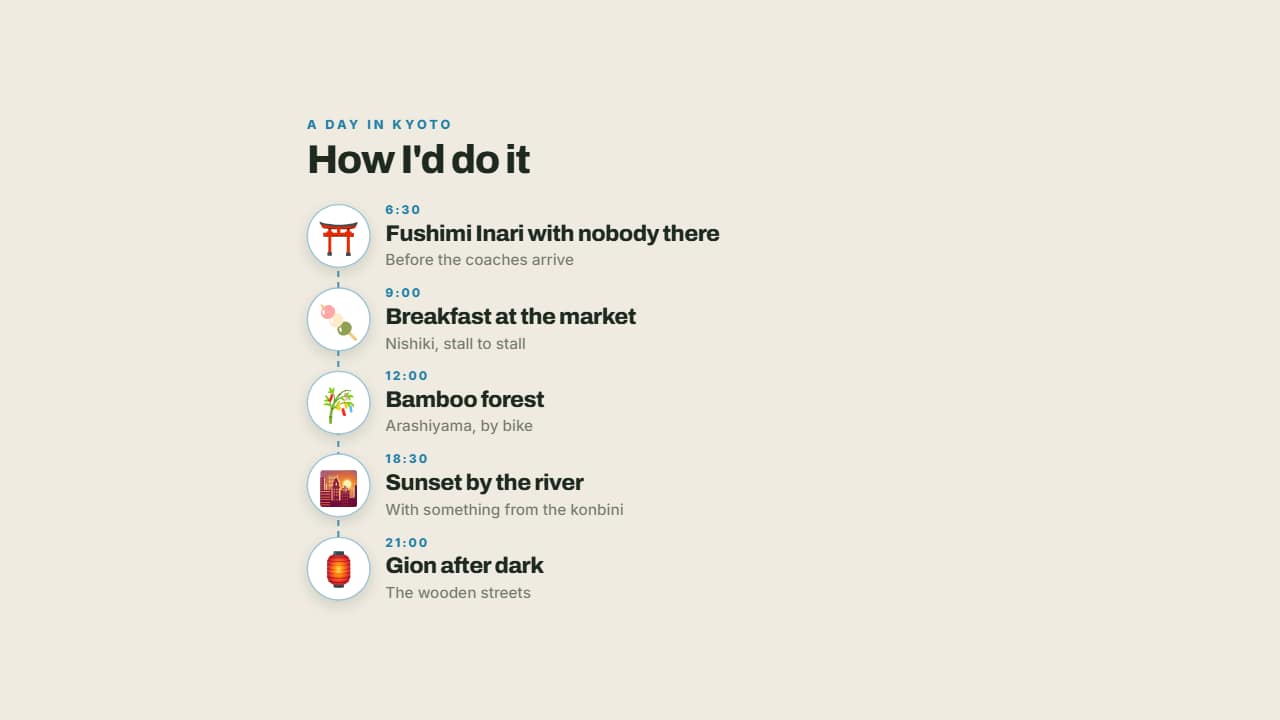 The perfect dayMorning, midday, afternoon and night on a line with their emoji: a day's itinerary told the way it's lived…