Format (important)1920×1080this is how it downloads
Preview doesn't change the file
You'll download 1920×1080, 3.5 s, with no background (.mov).
You'll download 1920×1080, 3.5 s, with no background (.mov).
Type «label | value» per line and the percentages work themselves out (rounded so they add up to 100). The slices draw one after another, the labels arrive with their leader lines or in a legend, and the total in the middle counts up to its figure. Highlight a slice and it pulls away from the rest. Four styles: donut, pie with the % inside, half-donut gauge and glass panel; up to 8 slices with well-chosen colors (or your own).
Plus the typeface and an optional letter outline, in every template.
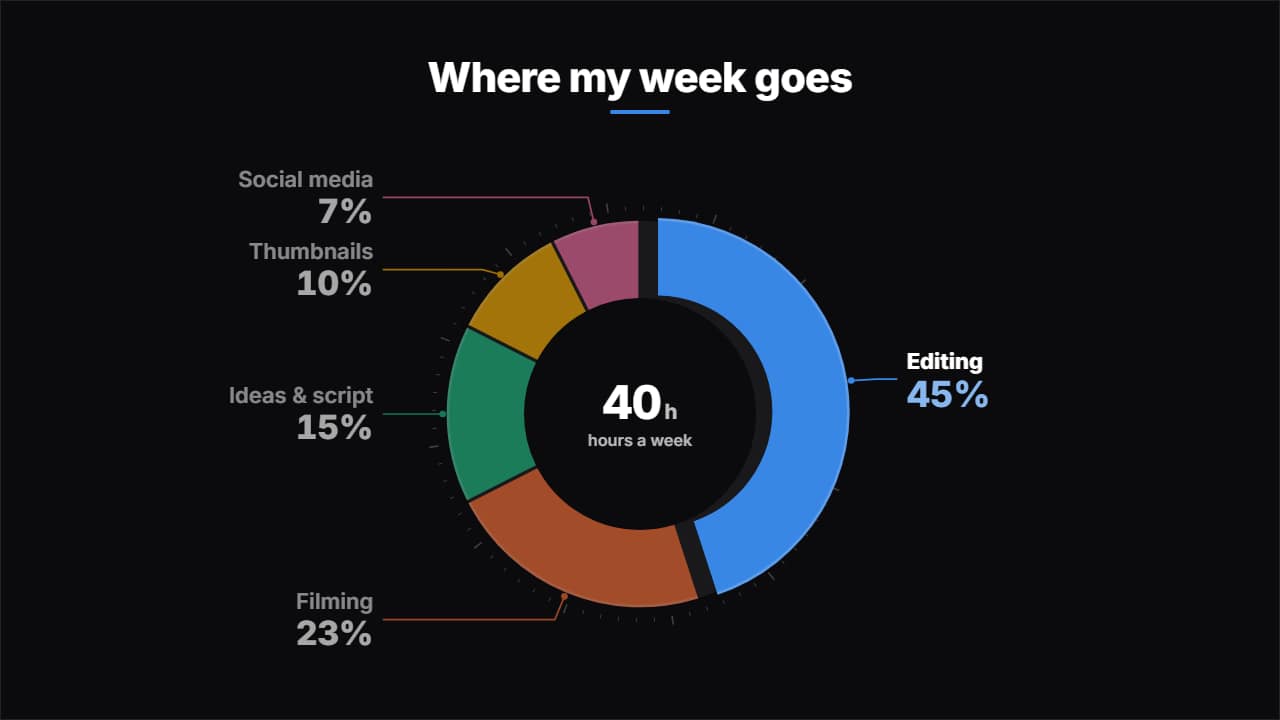
Export it without background and put it on a track above your clip: the animation plays over your video.
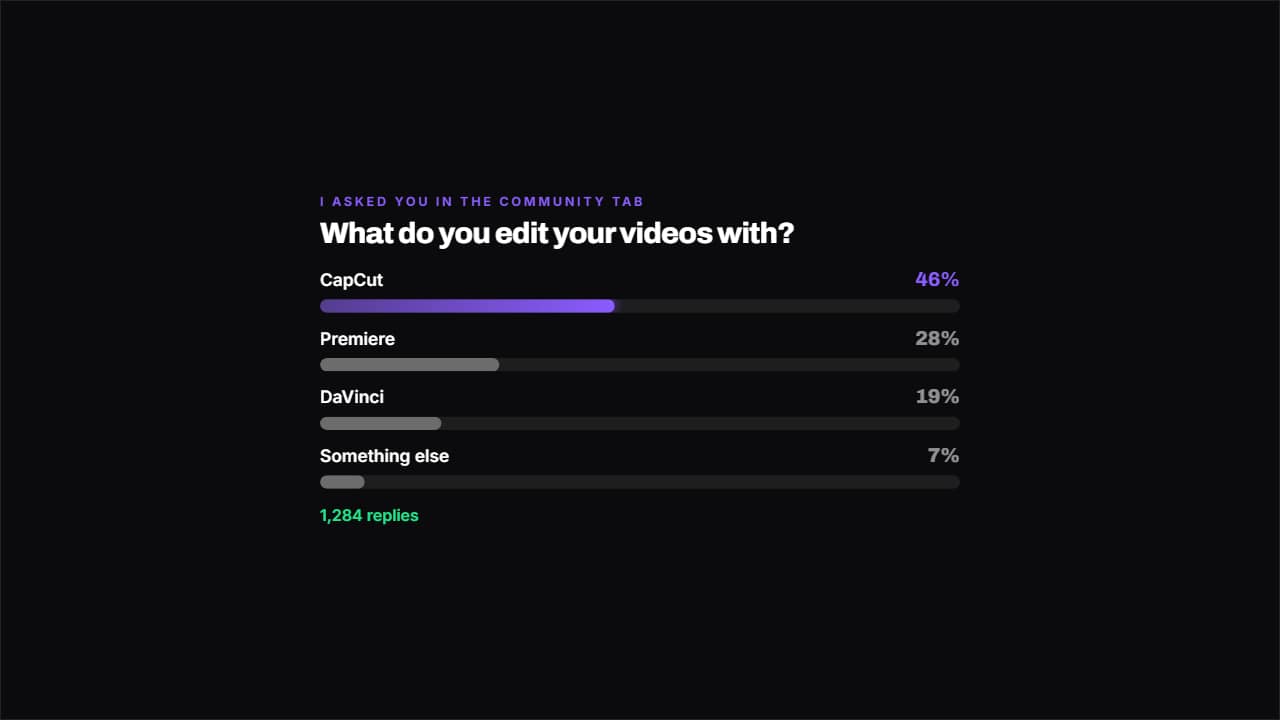 Poll resultThe bars fill with each option's percentage and the most voted one keeps the color.
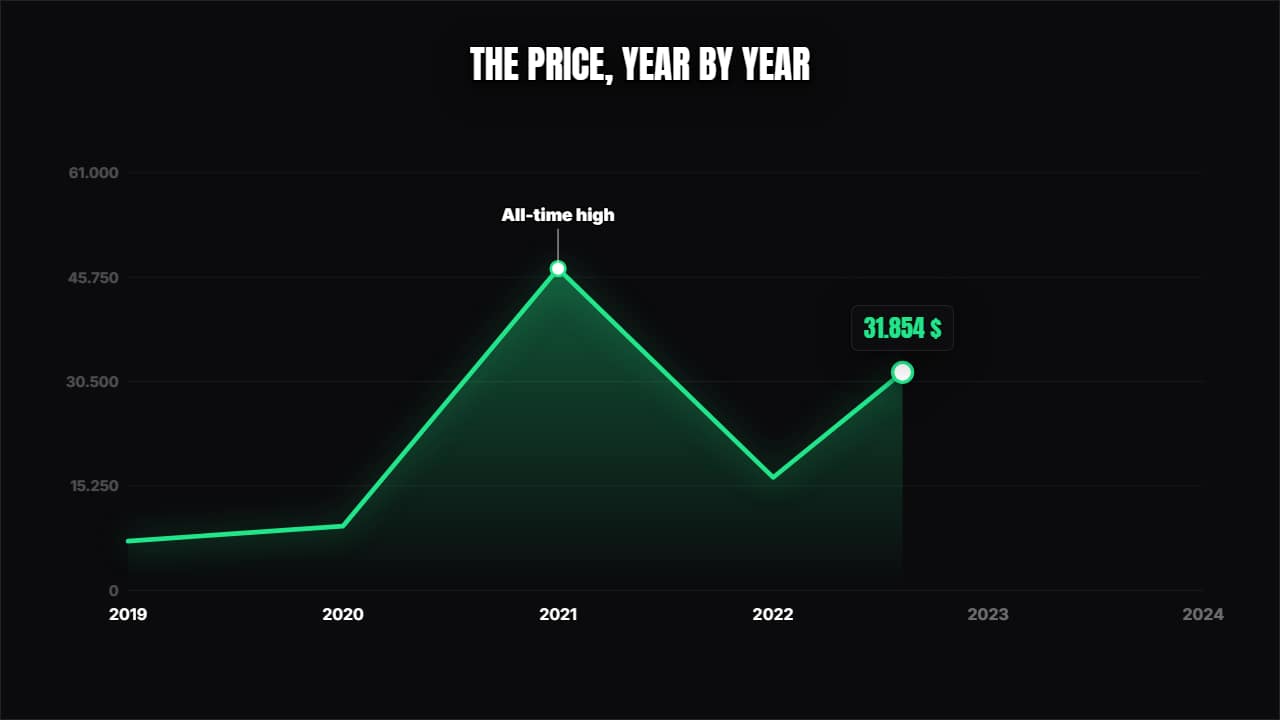 Line chartThe curve draws itself over its axes, a dot travels along showing the value and the annotations pop at the…
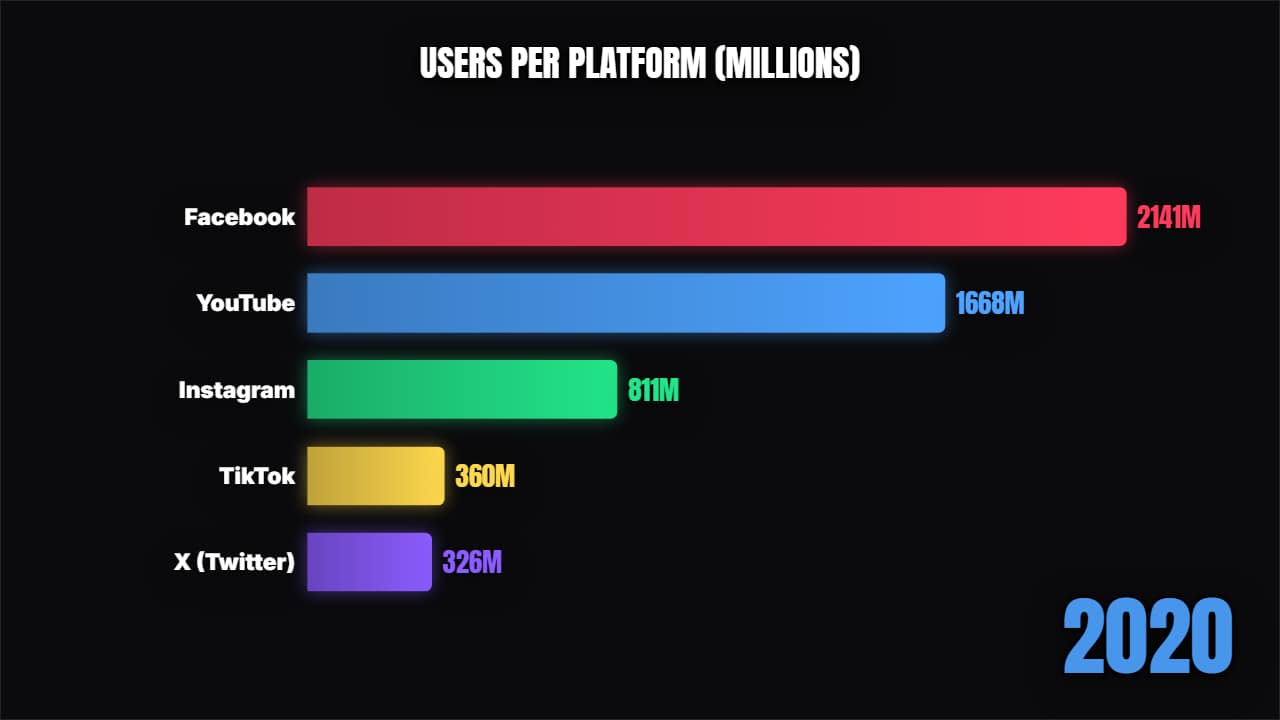 Bar chart raceA proper bar chart race: the bars grow and swap places period by period, with the year counting.
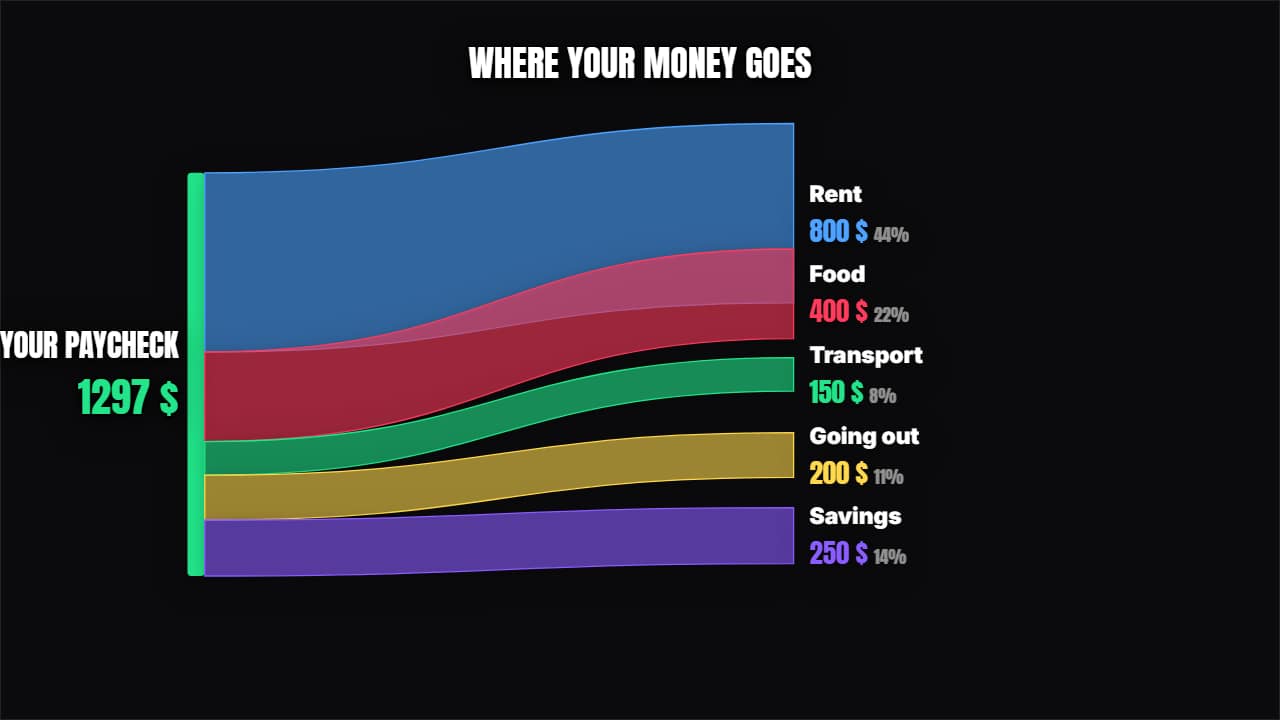 Where it comes from and where it goesRibbons of proportional thickness splitting the total between its destinations, with each one's percentage.
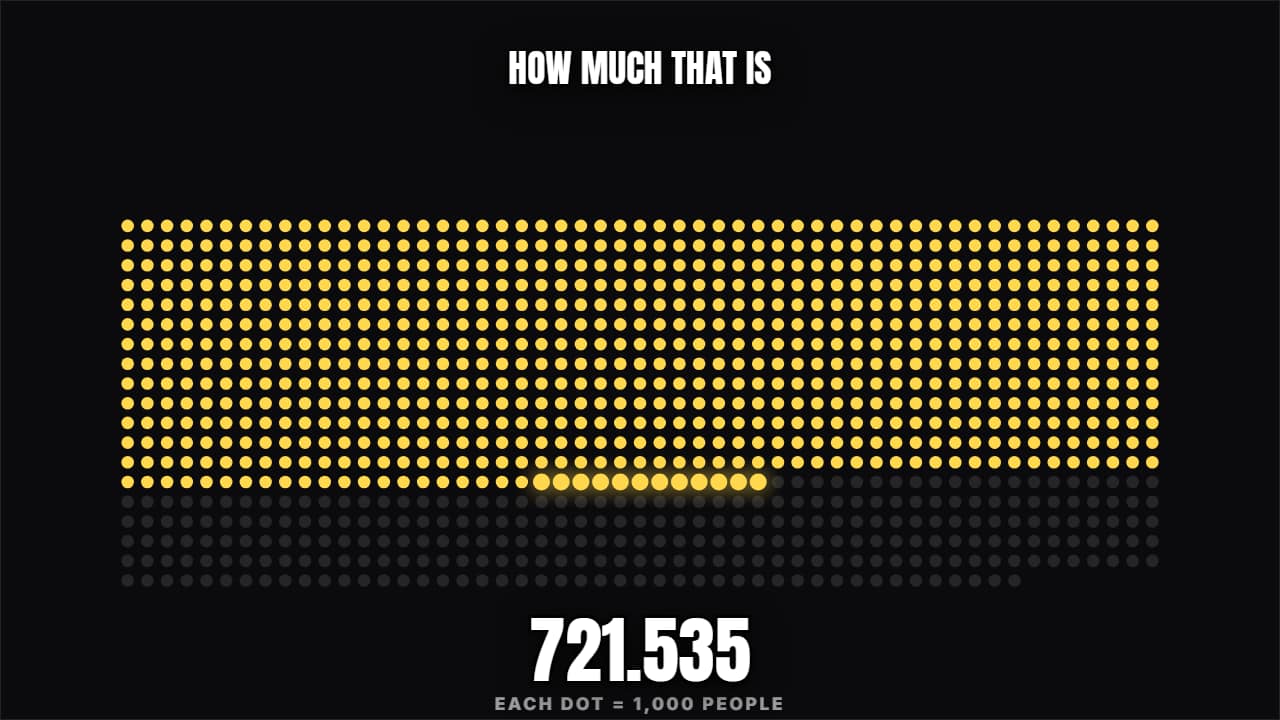 How much is that reallyA grid filling with dots (or people) until the figure genuinely lands. "3 in 10" or "this is a million".
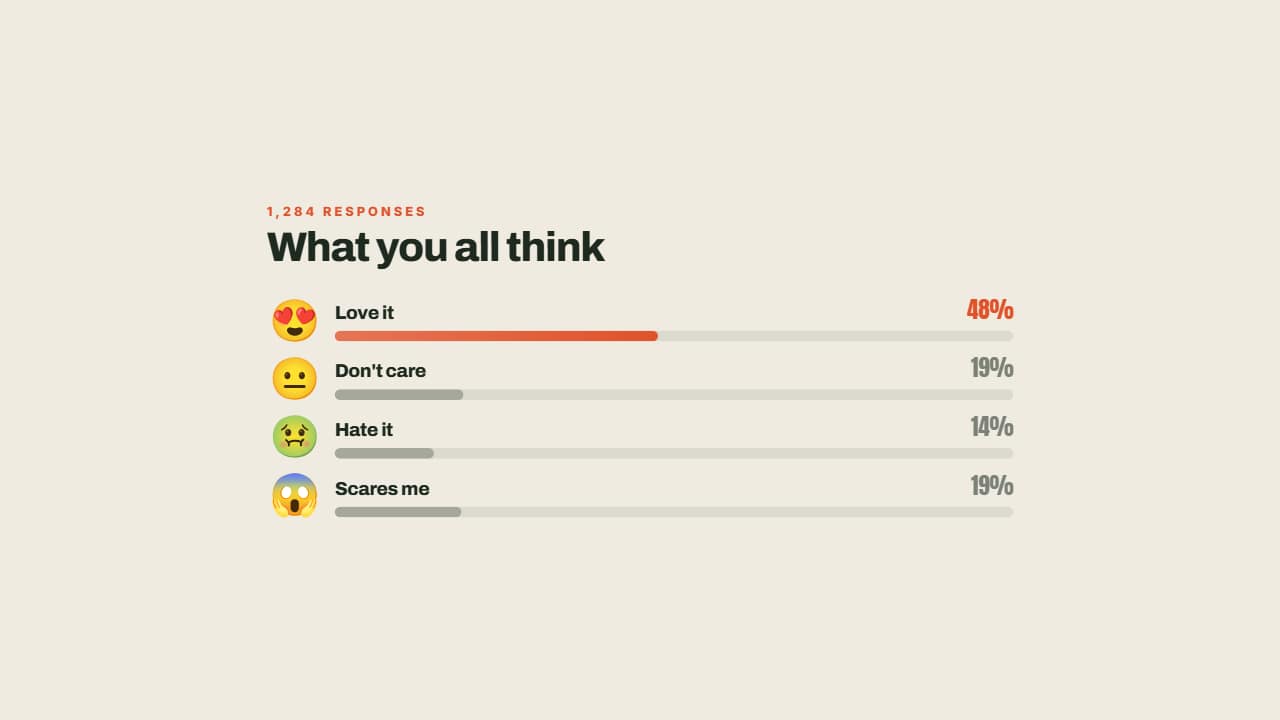 Reactions in percentagesEach reaction with its face, its bar growing and its percentage worked out from the total: you type the raw…
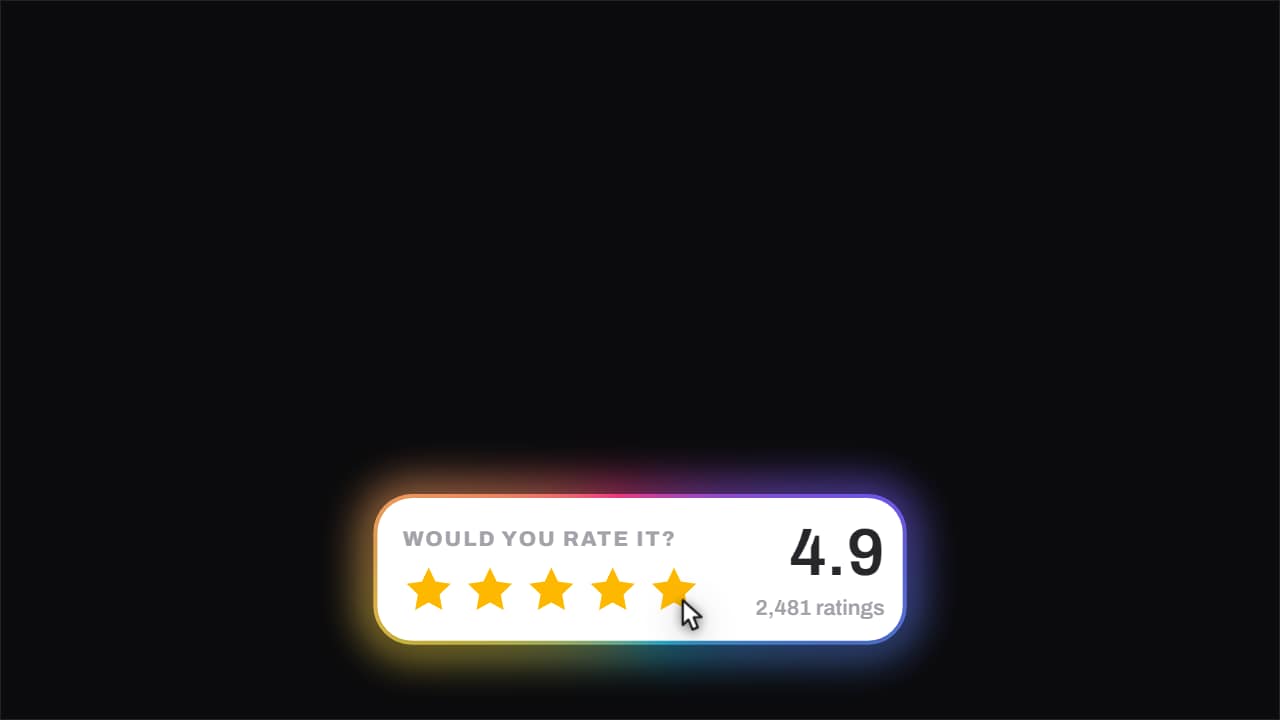 Stars · they fill under the cursorThe stars fill one at a time with the cursor riding across them, and when it ends the score rolls up to its…